Train an Image Classifier
Lay out a folder dataset, train yolo26n-cls.pt on MNIST160, read probs and top-1 accuracy, and route low-confidence predictions to human review.
Image classification answers one question per image: what is this? It needs the cheapest labels of any task — a folder name — and runs fastest, which makes it the default second stage after a detector and the right first model for an inspection station that sees one part per frame. Its dataset has no YAML, so the folder structure is the contract, and a classifier always answers, even for images it has never seen anything like. Deciding when not to trust it is half the job.
Hands-on
The folder dataset layout#
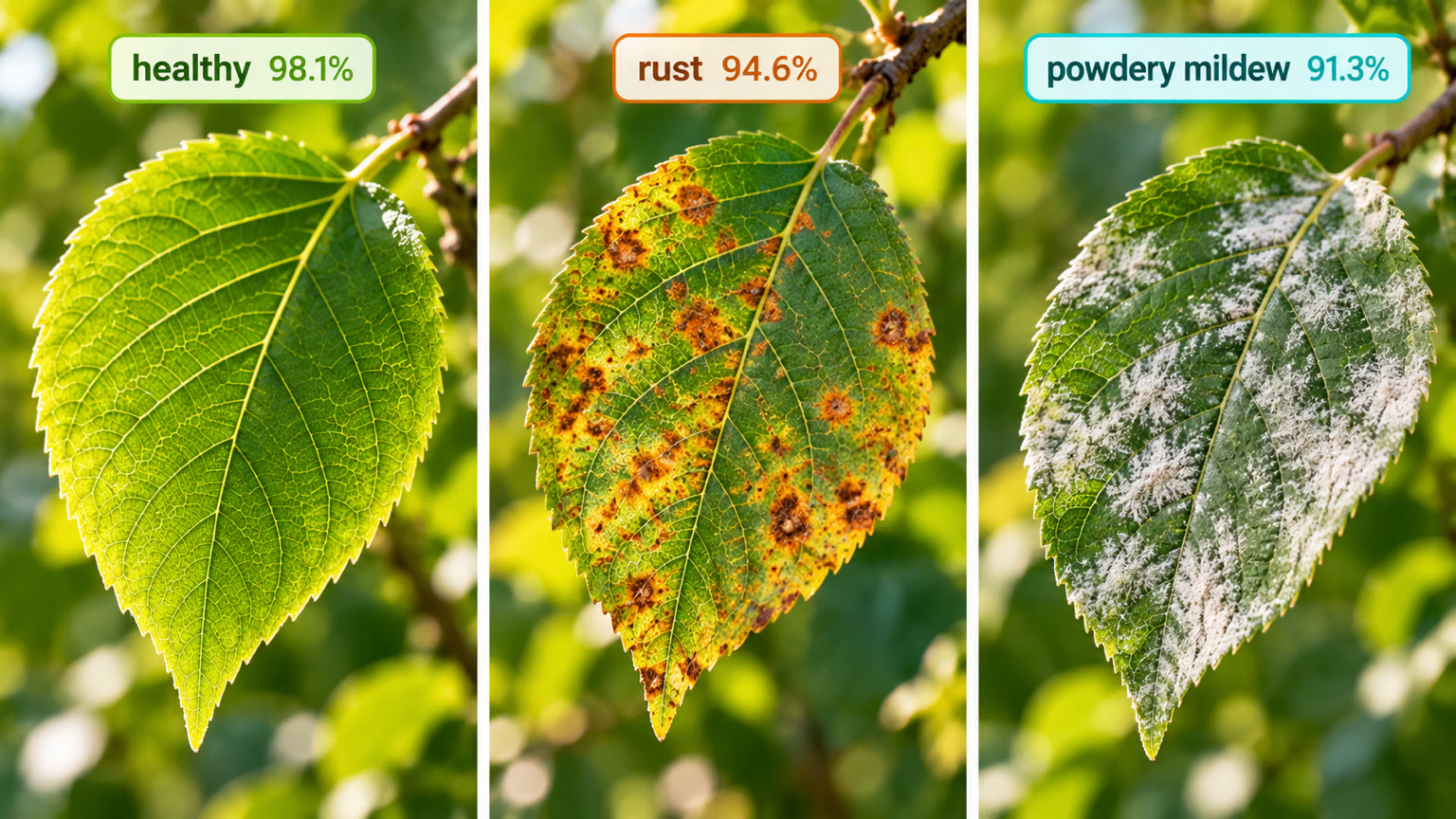
Classification datasets are directories, not YAML files. Point data= at the root folder:
parts/
├── train/
│   ├── good/      img_0001.jpg ...
│   ├── scratch/   img_0412.jpg ...
│   └── dent/      img_0733.jpg ...
└── val/
    ├── good/
    ├── scratch/
    └── dent/
What the loader does with it, from the installed source and the classification dataset guide:
| Situation | Behavior |
|---|---|
| Class indices | folder names under train/, sorted alphabetically → dent=0, good=1, scratch=2 |
| Validation folder | val/, then validation/, then valid/; falls back to test/ with a warning |
No train/ folder, only class folders | splits 80/20 into train/ and val/ automatically |
On Ultralytics Platform, a classify dataset carries one image-level label per image instead of shapes:

Symptom: after adding a class, an old integration reports good parts as dent. Cause: adding a folder named bent sorts it first and shifts every index after it. Fix: always map indices to names with model.names (or result.names); never hard-code an index.
Train on MNIST160#
MNIST160 is 160 handwritten digits, 80 in train/ and 80 in test/, each split into ten digit folders — small enough for a CPU smoke test. It has no val/ folder, so watch the loader warn and fall back to test/:
from ultralytics import YOLO

model = YOLO("yolo26n-cls.pt")
model.train(data="mnist160", epochs=1, imgsz=64, device="cpu")
metrics = model.val()
print(f"top-1: {metrics.top1:.3f}  top-5: {metrics.top5:.3f}")
WARNING ⚠️ Dataset 'split=val' not found, using 'split=test' instead.
val: .../datasets/mnist160/test... found 80 images in 10 classes ✅
all 0.162 0.463
top-1: 0.162 top-5: 0.463One epoch barely moves the new ten-class head. In our run, epochs=10 reached top-1 0.55 and top-5 0.95 in about ten seconds on a laptop CPU — the loop works; it just needs a schedule. The Classify task guide lists the pretrained sizes.
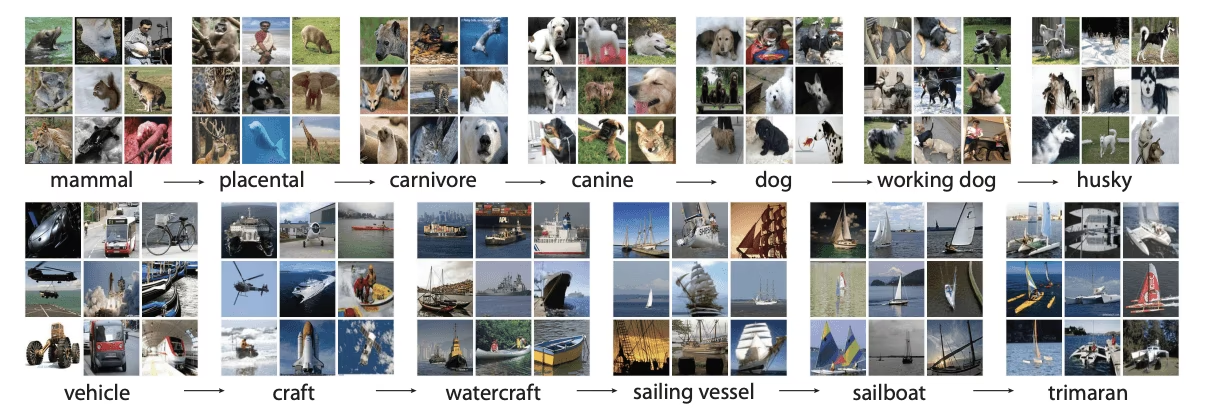
Top-1 is the share of images whose highest-probability class is correct. Top-5 counts a hit if the correct class is anywhere in the five highest. Top-5 is informative for 1,000-class ImageNet, whose classes run from broad to very fine-grained; with five or fewer classes it is always 1.0, and with ten it is generous. Gate on top-1 accuracy plus a per-class confusion matrix.
Read probabilities in code#
from ultralytics import YOLO

model = YOLO("yolo26n-cls.pt")  # ImageNet, 1,000 classes
result = model("https://ultralytics.com/images/bus.jpg")[0]

probs = result.probs
print(f"top-1: {result.names[probs.top1]} ({float(probs.top1conf):.2f})")
for i, conf in zip(probs.top5, probs.top5conf.tolist()):
    print(f"  {result.names[i]:20s} {conf:.3f}")
top-1: minibus (0.52)
minibus 0.516
police_van 0.369
trolleybus 0.096
minivan 0.006
ambulance 0.003probs.top1 is an index, probs.top5 a list of indices, and probs.data the full probability vector. Notice the top-1 confidence: 0.52 is barely more than a coin flip between minibus and police_van. That number is what you route on.
Route uncertain predictions to a person#
A classifier in production rarely needs to be right on every image; it needs to be right on the images it decides alone. This script trains the 10-epoch model, then measures what different confidence thresholds would do on the 80 held-out digits:
from pathlib import Path

from ultralytics import YOLO

model = YOLO("yolo26n-cls.pt")
model.train(data="mnist160", epochs=10, imgsz=64, device="cpu", plots=False)  # model now holds best.pt
print(model.names)  # folder names, sorted, became class indices

test = Path(model.trainer.data["test"])  # mnist160/test, the split the loader validated on
images = sorted(test.rglob("*.png"))
results = model(images, imgsz=64, verbose=False)
truth = [p.parent.name for p in images]

for threshold in (0.0, 0.3, 0.6):
    kept = [(r, t) for r, t in zip(results, truth) if r.probs.top1conf >= threshold]
    correct = sum(r.names[r.probs.top1] == t for r, t in kept)
    print(f"threshold {threshold:.1f}: auto-accept {len(kept):2d}/{len(images)}, accuracy on accepted {correct / max(len(kept), 1):.0%}")
{0: '0', 1: '1', 2: '2', 3: '3', 4: '4', 5: '5', 6: '6', 7: '7', 8: '8', 9: '9'}
threshold 0.0: auto-accept 80/80, accuracy on accepted 55%
threshold 0.3: auto-accept 41/80, accuracy on accepted 68%
threshold 0.6: auto-accept 10/80, accuracy on accepted 80%Each row is a trade: raising the threshold makes the accepted predictions more accurate and sends more images to a person. At 0.6 this model decides only 10 of 80 digits alone — it is not ready to automate anything, and the fix is more training, not a cleverer threshold. Rerun the same table after each training round: it tells you both the accuracy you will get and exactly how much review work each threshold creates.
Pick the lowest threshold whose accuracy on accepted images meets your requirement, measured on held-out data. Then check that the review volume it creates is one your team can handle; if not, improve the model.
Pitfalls#
Symptom: an empty station, a wrong part, or a hand over the lens gets a confident class label. Cause: softmax probabilities always sum to 1, so the classifier always picks one of its classes. Fix: add an other/ folder filled with exactly those images, and route low top1conf predictions to review.
Symptom: a pretrained model scores near zero on your dataset before any training. Cause: yolo26n-cls.pt predicts 1,000 ImageNet indices, and your folders reuse indices 0–9 with different meanings: on MNIST160, folder 0 is index 0, which the pretrained head calls tench. We measured top-1 0.000 that way. Fix: fine-tune first, then validate.
Symptom: top-1 near 1.0 in validation, much lower in production. Cause: near-duplicate photos of the same part in train/ and val/. Fix: split by part or by session, as in Split the Dataset Correctly.
Classifiers are pretrained at imgsz=224, not 640. Small objects inside a large frame are better served by detect-then-classify (next lesson) than by a larger imgsz.
Show solution
from ultralytics import YOLO

for epochs in (1, 10):
    model = YOLO("yolo26n-cls.pt")
    model.train(data="mnist160", epochs=epochs, imgsz=64, device="cpu")
    metrics = model.val()
    print(f"{epochs:2d} epochs  top-1: {metrics.top1:.3f}  top-5: {metrics.top5:.3f}")
print(model.names)  # {0: '0', 1: '1', ..., 9: '9'}
Our runs: 1 epoch → top-1 0.162, top-5 0.463; 10 epochs → top-1 0.550, top-5 0.950. With five classes, the correct answer is always among the top five, so top-5 is 1.0 by construction and tells you nothing.
For 75% accuracy on accepted images, route.py says 0.6 (80% on 10 accepted), which sends 70 of 80 digits to review. That is the honest answer: the threshold meets the accuracy requirement, but the model is not useful yet. Train longer and rerun the table before choosing a threshold for real.