Export for Deployment
Export best.pt to ONNX, OpenVINO, TensorRT, CoreML, LiteRT, or QNN, then prove the export matches the PyTorch model before you ship it.
Your best.pt needs Python and PyTorch to run; phones, browsers, Jetsons, and production servers usually don't have them. Export mode turns the model into a self-contained file for those runtimes in one call. The catch: an export that loads isn't automatically correct, and a careless comparison can make a correct export look broken or hide a broken one.
In this lesson you'll export the pill model to ONNX, run it through the same YOLO API, prove it matches PyTorch on boxes and validation mAP under matched settings, and pick the format your target needs: ONNX, OpenVINO, TensorRT, CoreML, LiteRT, or QNN.
Hands-on
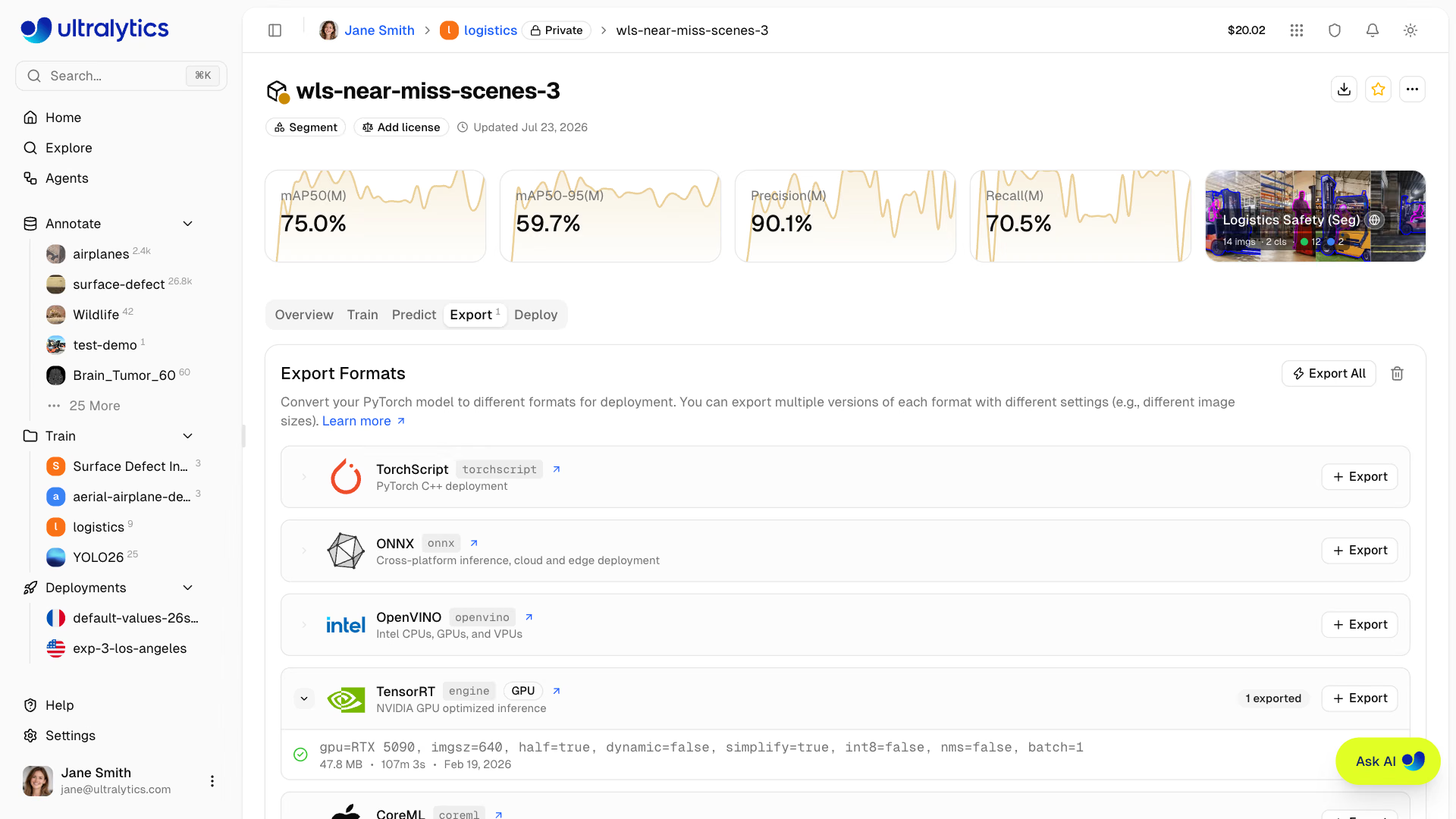
Worked Example: Export to ONNX#
yolo export model=runs/detect/pills_v1/weights/best.pt format=onnxPyTorch: starting from 'runs/detect/pills_v1/weights/best.pt' with input shape (1, 3, 320, 320) BCHW and output shape(s) (1, 5, 2100) (5.2 MB)
ONNX: export success ✅ 0.9s, saved as 'runs/detect/pills_v1/weights/best.onnx' (9.3 MB)
Predict: yolo predict task=detect model=runs/detect/pills_v1/weights/best.onnx imgsz=320
Validate: yolo val task=detect model=runs/detect/pills_v1/weights/best.onnx imgsz=320 data=my_dataset/data.yamlLine by line:
input shape (1, 3, 320, 320): one image, 3 color channels, a fixed 320×320 square — the trainingimgsz, baked into the file.output shape(s) (1, 5, 2100): 4 box values plus 1 class score for 2,100 candidate boxes; NMS runs outside the graph by default.9.3 MB: the ONNX file stores FP32 weights, so it's larger than the FP16.pt.Predict:/Validate:: ready-made commands for the exported file, already at the rightimgsz.
A few arguments cover most needs; the ONNX integration guide lists the rest.
| Argument | Default | Use it to |
|---|---|---|
imgsz | Training size | Export at a different fixed input size, e.g. imgsz=640 |
dynamic | False | Accept variable input sizes instead of one fixed shape |
quantize | None (FP32) | 16 for FP16 weights (yolo26n.onnx drops from 9.5 MB to 4.8 MB); 8 for INT8 where the format supports it |
nms | None | nms=True embeds NMS in the graph, so the runtime returns final boxes |
Worked Example: Prove the Export Matches#
The YOLO class loads exported files too, so the predict code from earlier works unchanged. Compare both files on the same validation image:
from ultralytics import YOLO

image = "my_dataset/images/val/Frame_144.jpg"
pt = YOLO("runs/detect/pills_v1/weights/best.pt")(image, rect=False, verbose=False)[0]  # square input, like ONNX
onnx = YOLO("runs/detect/pills_v1/weights/best.onnx")(image, verbose=False)[0]

print(f"pt:   {len(pt.boxes)} pills, mean conf {pt.boxes.conf.mean():.3f}")
print(f"onnx: {len(onnx.boxes)} pills, mean conf {onnx.boxes.conf.mean():.3f}")
print(f"max box difference: {(pt.boxes.xyxy - onnx.boxes.xyxy).abs().max():.4f} px")
pt: 25 pills, mean conf 0.870
onnx: 25 pills, mean conf 0.870
max box difference: 0.0002 pxSame count, same confidence, boxes identical to a fraction of a pixel. Now the stronger check, validation over the whole split:
from ultralytics import YOLO

pt = YOLO("runs/detect/pills_v1/weights/best.pt").val(data="my_dataset/data.yaml", rect=False, verbose=False)
onnx = YOLO("runs/detect/pills_v1/weights/best.onnx").val(data="my_dataset/data.yaml", verbose=False)
print(f".pt   mAP50-95 {pt.box.map:.4f}")
print(f".onnx mAP50-95 {onnx.box.map:.4f}")
.pt mAP50-95 0.6570
.onnx mAP50-95 0.6570Identical. (The .pt file's default rectangular validation scored 0.659: a small difference from input padding, not from the export.)
Once it matches, time it with yolo benchmark on the target device so you know its real speed before you ship.
Pick a Format for Your Target#

| Target | Format | Notes |
|---|---|---|
| Portable default: servers and desktops on Linux, Windows, and Mac | onnx | ONNX Runtime on CPU or GPU; the quickest export to verify |
| NVIDIA GPUs and Jetson | engine (TensorRT) | Fastest on NVIDIA; export on the device. See Optimize with TensorRT |
| Intel CPUs and iGPUs | openvino | Real CPU speedups via Intel kernels. See OpenVINO on CPU |
| iPhone, iPad, and Mac apps | coreml | Native; uses the Apple Neural Engine |
| Android and other mobile or embedded devices | litert | INT8 recommended for mobile |
| Snapdragon NPUs | qnn | Hexagon HTP acceleration; INT8 weights with 16-bit activations by default; choose the HTP architecture with name |
| Web browser | onnx with ONNX Runtime Web | Smaller models are realistic: n and s |
from ultralytics import YOLO

model = YOLO("runs/detect/pills_v1/weights/best.pt")

model.export(format="onnx")  # cross-platform: ONNX Runtime
model.export(format="openvino")  # Intel CPU / iGPU
model.export(format="engine", quantize=16)  # NVIDIA TensorRT, FP16 (run on the target GPU)
model.export(format="coreml")  # Apple iOS / macOS
model.export(format="litert", quantize=8, data="my_dataset/data.yaml")  # Android / edge, INT8
model.export(format="qnn", name="73", data="my_dataset/data.yaml")  # Qualcomm Snapdragon NPU (HTP v73); calibrate on your own data
Each export writes next to the weights: best.onnx, best_openvino_model/, best.engine, and so on. Start with ONNX even if you'll end up elsewhere: it's the quickest to verify and the input to several other toolchains. The deployment options guide compares every format, and Choose a Deployment Target walks through the decision.
Model quantization trades precision for size and speed. FP16 (quantize=16) halves the file with accuracy almost unchanged. INT8 (quantize=8) is smaller and faster again but needs calibration images — representative frames the export runs through to choose value ranges; Ultralytics recommends at least 300. Always validate an INT8 model before shipping: the loss can be negligible or large depending on the model and calibration set.
Avoid These Mistakes#
Symptom: the .pt model finds 35 pills on Frame_144.jpg and the ONNX file finds 25, and the export looks broken. Cause: PyTorch inference pads each image to the smallest stride-aligned rectangle (192×320 for these 16:9 frames), while a static ONNX model always takes a 320×320 square. Different input, different low-confidence detections. Fix: pass rect=False to the .pt model when comparing, as in parity.py.
Symptom: you pass imgsz=640 to best.onnx and the log still says 320x320. Cause: a static export has one input size, set at export time. Fix: export at the size you'll run (imgsz=640), or export with dynamic=True.
A .engine built on an A100 will not run on a Jetson Orin, and may not survive a TensorRT upgrade. Export on the target device, with the TensorRT version it will run. ONNX is portable; engines are not.
Leave out data on an INT8 export and Ultralytics warns, then calibrates on the default COCO8 sample — eight images that look nothing like your pills. Pass your own: model.export(format="litert", quantize=8, data="my_dataset/data.yaml").
You've Shipped#
You now have a trained best.pt, validation evidence next to a baseline, an exported file for your runtime, and proof that the export matches the original. That's the full loop — data, train, validate, export, deploy — and production teams run it on a schedule. Ultralytics YOLO in Production picks up from your verified export and covers optimized runtimes, tracking pipelines, multi-stream serving, and monitoring.
Show solution
from ultralytics import YOLO

# Train
model = YOLO("yolo26n.pt")
model.train(data="my_dataset/data.yaml", epochs=10, imgsz=320, name="pills_e2e")

# Validate
metrics = model.val()
print(f"mAP50-95 = {metrics.box.map:.3f}")  # 0.659

# Export
model.export(format="onnx")
parity.py: pt 25 pills, onnx 25 pills, max box difference 0.0002 px
without rect: pt 35 pills (192x320 input) vs onnx 25 (320x320): input mismatch, not an export bug
val_export.py: .pt 0.6570, .onnx 0.6570
Target: Intel laptop CPU -> openvino, for faster CPU inference than ONNX Runtime