Run Inference on Video
Run YOLO26 on video files and live cameras with bounded memory, track objects to count each one once, and check the model keeps up with the frame rate.
Most deployed vision systems watch video: cameras over conveyors, doors, and roads. Video adds two problems single images don't have. Memory: a long recording can't be held in RAM. Identity: a detector sees the same person in 60 frames and reports 60 people.
In this lesson you'll stream video frame by frame with Predict mode, add object tracking to count each person once, write your own camera loop, and measure whether your model keeps up.
Hands-on
Worked Example: Predict on a Video File#
Videos go through the same Predict mode as images. This 62-frame clip shows people crossing an atrium:
yolo predict model=yolo26n.pt source=https://github.com/ultralytics/assets/releases/download/v0.0.0/solutions_ci_demo.mp4video 1/1 (frame 1/62) solutions_ci_demo.mp4: 384x640 22 persons, 27.3ms
...
video 1/1 (frame 62/62) solutions_ci_demo.mp4: 384x640 22 persons, 54.8ms
Results saved to runs/detect/predictframe 1/62: Ultralytics decodes the video and runs each frame like an image.22 persons: detections in that frame. The same walkers are counted again in every frame.27.3ms...54.8ms: per-frame time varies with what else the machine is doing.
The annotated video is runs/detect/predict/solutions_ci_demo.mp4. Your own model works the same way: swap yolo26n.pt for runs/detect/pills_v1/weights/best.pt.
Stream Long and Live Sources#
For code that acts on detections, loop over a stream. Each iteration yields one frame's Results, then discards it:
from ultralytics import YOLO

model = YOLO("yolo26n.pt")
source = "https://github.com/ultralytics/assets/releases/download/v0.0.0/solutions_ci_demo.mp4"

frames, people = 0, 0
for result in model(source, stream=True, classes=[0], verbose=False):  # one Results object per frame
    frames += 1
    people += len(result.boxes)
print(f"{frames} frames, {people / frames:.1f} people per frame")
62 frames, 22.2 people per frameThe same loop accepts a webcam index (source=0) or a camera URL such as rtsp://camera.local/stream, and runs until the stream ends or you stop it. Add vid_stride=2 to process every second frame. For a browser UI around this loop, the Streamlit live inference guide wraps it in an app.
Worked Example: Count Each Person Once#
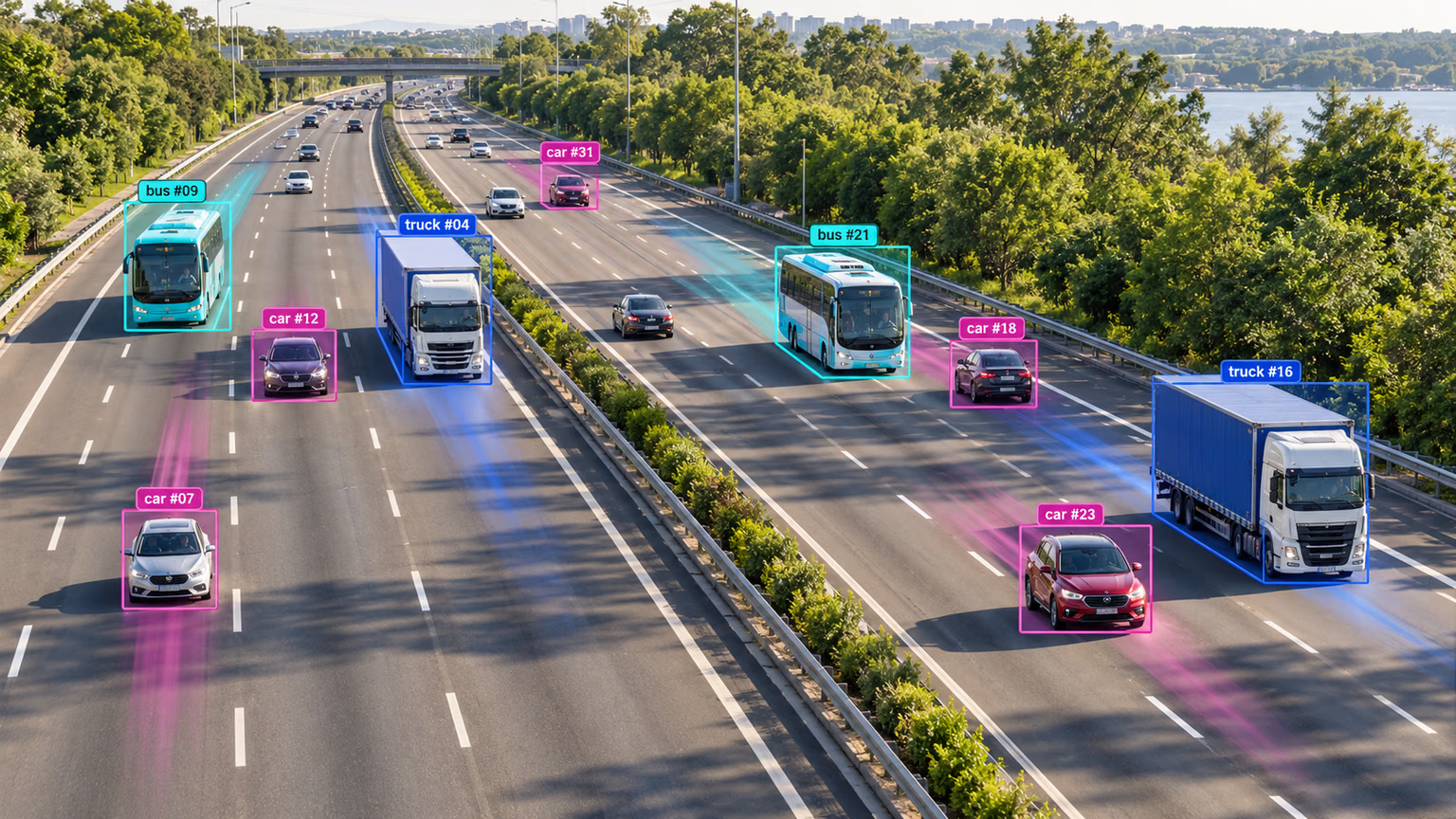
"22 people per frame" isn't the number anyone wants; "how many people walked through" is. Multi-object tracking links boxes across frames, and Track mode gives each object an ID in boxes.id:
from ultralytics import YOLO

model = YOLO("yolo26n.pt")
source = "https://github.com/ultralytics/assets/releases/download/v0.0.0/solutions_ci_demo.mp4"

seen = set()
for result in model.track(source, stream=True, persist=True, classes=[0], tracker="bytetrack.yaml", verbose=False):
    if result.boxes.is_track:
        seen.update(result.boxes.id.int().tolist())
print(f"{len(seen)} unique people tracked")
32 unique people trackedis_track is False on frames before any track is confirmed, when boxes.id is None. Use the IDs for counting, trajectories, or "this object has been here for 3 seconds" logic.
| Tracker | Speed | Robustness |
|---|---|---|
bytetrack.yaml | Faster, simpler | Loses IDs more often when objects briefly disappear |
botsort.yaml | Slower | Better at keeping IDs when the camera moves (motion compensation; appearance ReID is opt-in via with_reid) |
Leave tracker out and Ultralytics uses tracktrack.yaml, the current default; Track mode also ships ocsort.yaml, deepocsort.yaml, and fasttrack.yaml. Choosing and tuning trackers, and building object counting, heatmaps, and speed estimation on top of them, is covered in Track Objects with ByteTrack, BoT-SORT, and TrackTrack.
Worked Example: Your Own Camera Loop#
Real applications often read frames themselves — to resize, crop, timestamp, or share a camera with other code — and pass each one to the model. Then persist=True is what keeps the tracker alive between calls:
import cv2

from ultralytics import YOLO

model = YOLO("yolo26n.pt")
cap = cv2.VideoCapture("solutions_ci_demo.mp4")  # saved locally by the commands above; or 0, or an rtsp:// URL

seen = set()
while cap.isOpened():
    ok, frame = cap.read()
    if not ok:
        break
    result = model.track(frame, persist=True, classes=[0], tracker="bytetrack.yaml", verbose=False)[0]
    if result.boxes.is_track:
        seen.update(result.boxes.id.int().tolist())
cap.release()
print(f"{len(seen)} unique people, highest ID {max(seen)}")
32 unique people, highest ID 67Same 32 people as track.py. Note the highest ID is 67, not 32: the tracker also spends IDs on tentative tracks that never get confirmed, so IDs have gaps.
Keep Up With the Source#
A 30 FPS camera delivers a frame every 33 ms, and your effective rate is the slowest of decoding, inference, and writing. On our laptop CPU, yolo26n took between 26 and 46 ms per 384×640 frame across runs, depending on what else the machine was doing: at or over the budget, with no headroom. If yours can't keep up, pull these levers in order:
| Lever | Effect |
|---|---|
Smaller model (n instead of s) | Often 2–3× faster |
Lower imgsz (480 instead of 640) | Fewer pixels, less compute; small objects suffer first |
vid_stride=2 | Halves the work; fine for slow-moving scenes |
| A GPU or an optimized export | The largest gains — a TensorRT engine on NVIDIA, or INT8; see the next lesson |
Several cameras at once, and the threading that goes with it, are covered in Multi-Stream Inference.
Avoid These Mistakes#
Symptom: memory climbs until the process dies on a long recording, or a live camera call never returns. Cause: without it, the Python call collects a Results object for every frame before returning. Fix: pass stream=True and loop over the generator — it does nothing until you iterate it.
Symptom: in cv2_loop.py without persist=True, the count dropped to 27 and the highest ID was also 27: IDs restarted every frame, so the "unique" count was just the busiest frame. Fix: pass persist=True whenever you call track once per frame.
Symptom: a count of 67 for 32 people. Cause: IDs have gaps from unconfirmed tracks. Fix: count the size of a set of IDs, as in track.py.
The default tracker can change between releases. Pass tracker="bytetrack.yaml" (or your choice) so counts stay comparable across versions.
Show solution
import sys

from ultralytics import YOLO

model = YOLO("yolo26n.pt")
seen, times = set(), []
for result in model.track(sys.argv[1], stream=True, persist=True, tracker="bytetrack.yaml", verbose=False):
    times.append(result.speed["inference"])
    if result.boxes.is_track:
        seen.update(result.boxes.id.int().tolist())
print(f"{len(seen)} unique objects, {sum(times) / len(times):.1f} ms inference per frame")
Run it with python track_any.py your_video.mp4.
32 unique objects, 30.5 ms inference per frame (26-46 ms across runs on a laptop CPU)
Source is 30 FPS -> 33 ms budget: fits only on a quiet machine, with no headroom
First lever: export to OpenVINO or ONNX for this CPU, then vid_stride=2 if still short