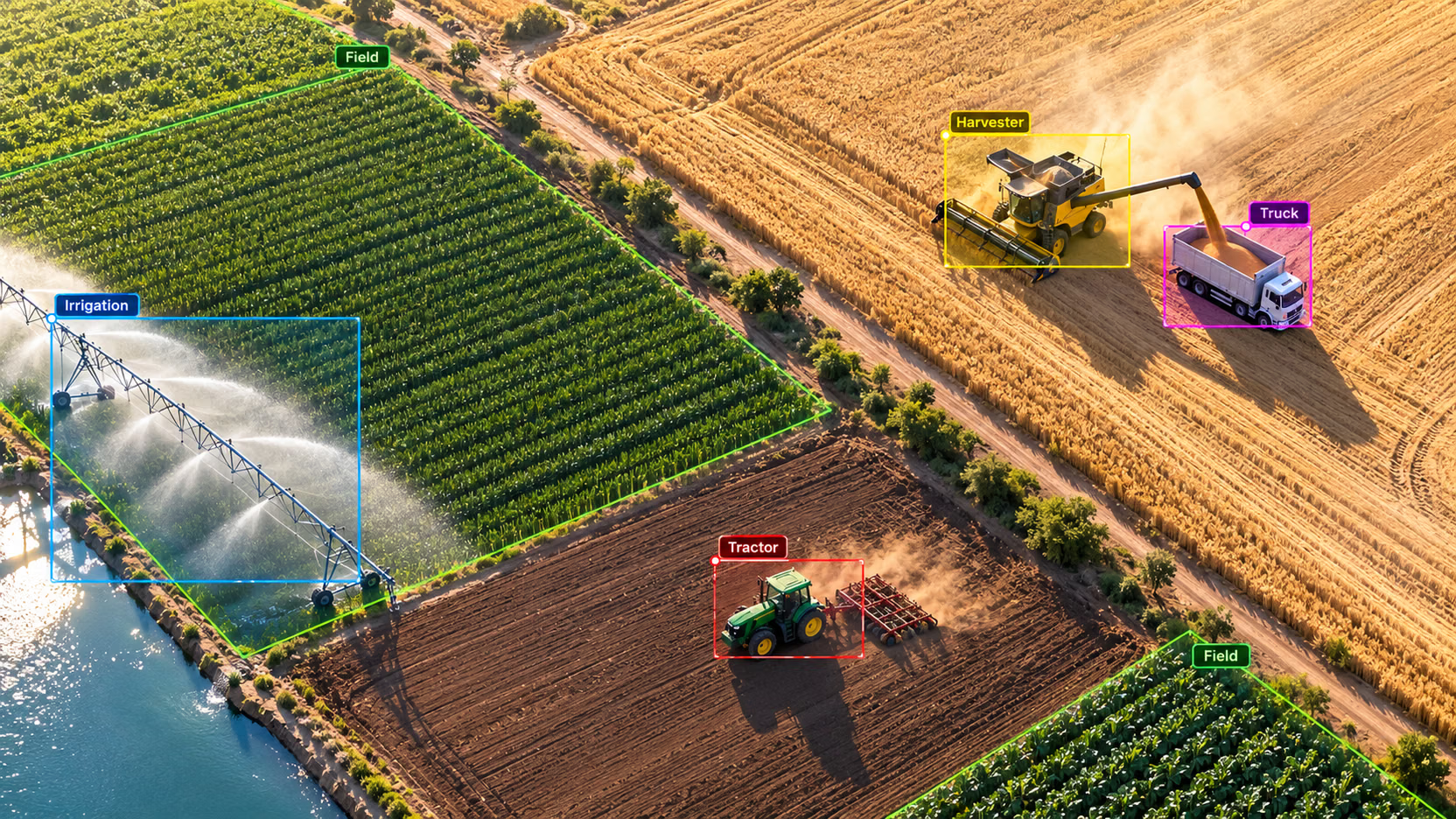
From pip install to a custom-trained detector
Train your first YOLO model
Take Ultralytics YOLO from zero to a model trained on your own data — installation, dataset prep, training, evaluation, video inference, and export.
By Ultralytics Academy

Install Ultralytics and run Ultralytics YOLO predictions in Python and on the CLI.
Pick the right model size for your latency, accuracy, and hardware budget.
Convert a custom dataset into the Ultralytics YOLO label format and write a
data.yaml.Train, validate, and resume training with sensible defaults.
Export to ONNX or TensorRT for deployment.
A small custom dataset in Ultralytics YOLO format with a
data.yaml.A trained
best.ptcheckpoint that beats the pretrained baseline on your data.A short video inference script that overlays detections.
An exported model file (ONNX or engine) ready for your runtime.
Comfortable running Python and shell commands.
An NVIDIA GPU with CUDA available will make training faster but is not required — Apple Silicon and CPU work too.
Recommended: complete Computer Vision Foundations first.
Course content
5 modules · 10 lessonsModule 2
Module 3
Module 4
Train Your First Model
One Python call, sensible defaults, and a checkpoint at the end.
Validate and Diagnose
Beyond the single mAP number — per-class AP, confusion matrices, and what they tell you to do next.
Resume and Iterate
Continue from where training stopped, fine-tune best.pt, and run experiments cheaply.