Write a Dataset YAML
Write the data.yaml that points Ultralytics at your folders and names your classes, make its paths resolve from anywhere, and smoke-test it with yolo val.
The dataset YAML is the contract between your folders and every Ultralytics command. Get a path wrong and nothing runs; get the class order wrong and everything runs, with every prediction carrying the wrong name and no warning anywhere.
In this lesson you'll write data.yaml for the pill dataset, learn exactly how Ultralytics resolves its paths so it works on a teammate's machine too, and prove it with a one-line validation run that also gives you the baseline your training must beat.
Hands-on
Write the File#
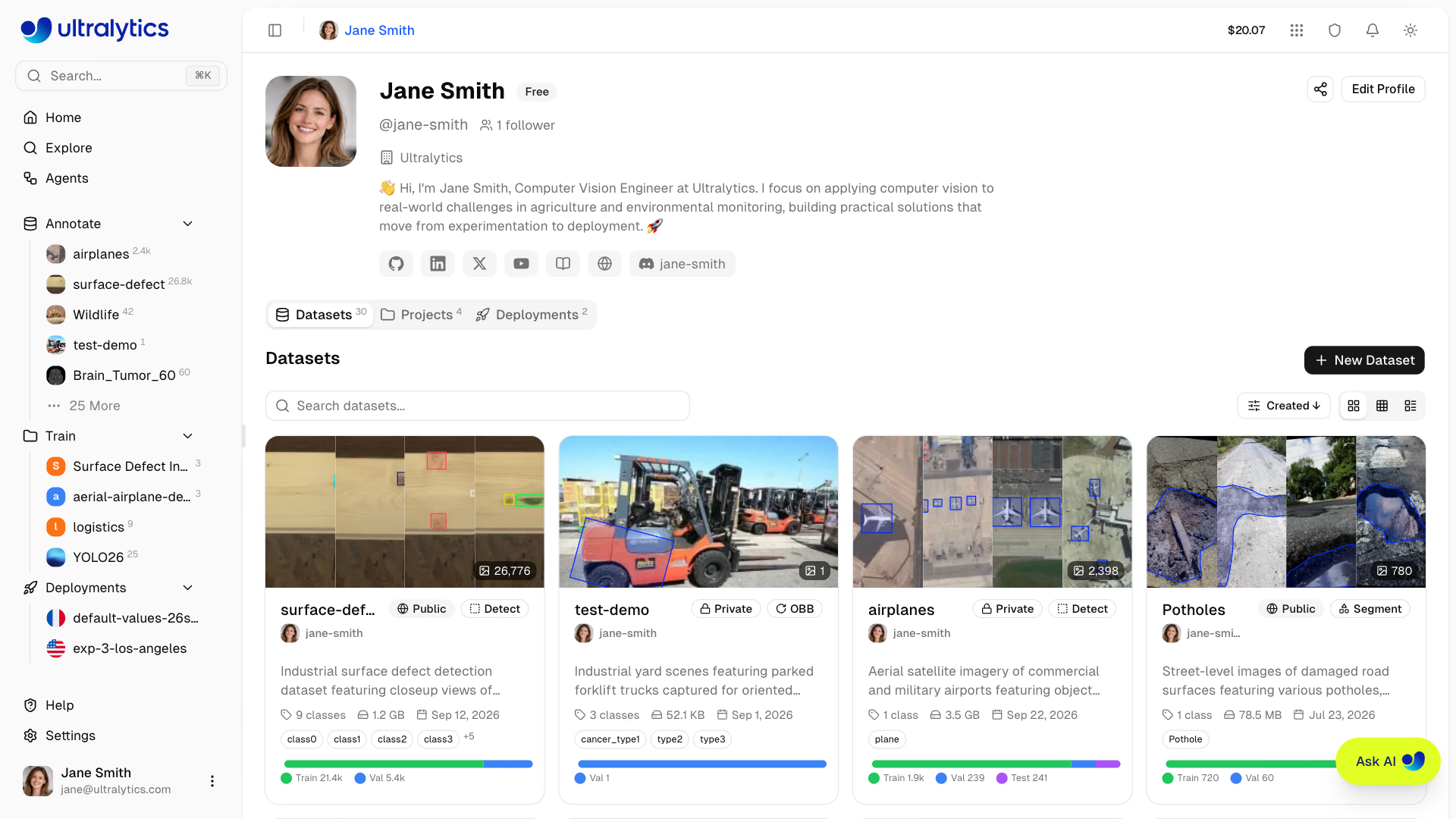
Datasets on Ultralytics Platform carry their own classes and splits, and training points at them with a URI such as data=ul://username/datasets/name. On your own machine, the YAML is that contract. Save this as my_dataset/data.yaml:
path: my_dataset # dataset root: absolute, or relative to where you run yolo
train: images/train # relative to path
val: images/val # relative to path
# test: images/test  # optional held-out split

names:
0: pill| Key | Required | Meaning |
|---|---|---|
path | No | Dataset root; train, val, and test are relative to it. If omitted, the YAML's own folder |
train, val | Yes | An image folder, a .txt file listing image paths, or a list of either |
test | No | Held-out test images, evaluated only with split=test |
names | Yes | Class index → name; its length sets the class count |
download | No | URL or script that fetches the dataset when its images are missing |
train and val point at image folders; labels are found by swapping images for labels. The coco8 YAML is a minimal working reference, and the VOC YAML shows a larger one.
Worked Example: Smoke-Test It#
Validation with the pretrained model is the fastest end-to-end check. It reads every image and label, reports problems, and computes metrics:
yolo val model=yolo26n.pt data=my_dataset/data.yamlval: Scanning my_dataset/labels/val... 23 images, 0 backgrounds, 0 corrupt: 100%
Class Images Instances Box(P R mAP50 mAP50-95)
all 23 399 0.0256 0.00251 0.001 0.0002Read it in order:
Scanning my_dataset/labels/val: the folder Ultralytics actually resolved. Check it's the one you meant.23 images, 0 backgrounds, 0 corrupt: every validation image has a valid label file. Backgrounds you didn't intend, or any corrupt count, send you back to the previous lesson.399instances: the label files hold 399 pills.- mAP50-95 of 0.0002: correct, not broken. COCO has no pill class, so the pretrained model can't find them. That near-zero score is your baseline. When your classes do exist in COCO, such as people or cars, the same command gives a meaningful baseline instead.
Make Paths Resolve Anywhere#
Most "images not found" errors are path errors. Ultralytics resolves path like this:
datasets_dir is an Ultralytics setting; yolo settings prints it, and the settings guide shows how to change it. Built-in datasets rely on that fallback: coco8.yaml sets path: coco8 plus a download: URL, so data=coco8.yaml works from any folder.
Decision rules:
- Just you, always from the project folder? A relative
pathis fine. - Teammates, servers, CI, or notebooks in other folders? Use an absolute
path. - Data lives elsewhere and should fetch itself? Add
download:with a zip URL.
Keep Class Indices a Contract#
The integer at the start of each label line is an index into names. Ultralytics checks the range — Label class 1 exceeds dataset class count 1 — but it can't check the meaning. If your labeling tool exported 0: forklift, 1: person and your YAML says 0: person, 1: forklift, training succeeds, validation mAP looks fine, and every prediction carries the wrong name. Keep one source of truth for the class list, shared by the labeling tool, the conversion script, the YAML, and your deployment code.
Avoid These Mistakes#
Symptom: FileNotFoundError: Dataset 'data.yaml' images not found, missing path '.../datasets/my_dataset/images/val', with a note about the dataset download directory. Cause: you ran from another folder, so the relative path didn't exist and Ultralytics looked under datasets_dir instead. Fix: run from the project folder, or make path absolute.
Swapping or deleting entries in names without relabeling silently changes the meaning of every label. The model trains and predicts the wrong classes, with no error. Add new classes at the end with the next free index and never renumber existing ones.
val: [images/val_day, images/val_night] merges both folders into one validation set and reports one number. To see day and night separately — or a curated regression set next to a fresh production sample — keep one YAML per set and validate each. A test split you evaluate only once, with split=test, is covered in Split the Dataset Correctly.
Training settings such as augmentation and caching are arguments to train, not YAML keys; they're all in the configuration reference.
Show solution
path: /home/you/projects/pills/my_dataset # absolute path to the dataset root
train: images/train
val: images/val

names:
  0: pill
val: Scanning /home/you/projects/pills/my_dataset/labels/val... 23 images, 0 backgrounds, 0 corrupt
all 23 399 0.0256 0.00251 0.001 0.0002From another folder, the relative version failed with Dataset ... images not found because my_dataset didn't exist there and the datasets_dir fallback had no copy either. The absolute path removes that lookup. The baseline mAP50-95 is about 0: the pretrained model has no pill class.