Enterprise Client Checklist
A one-page, customer-facing kickoff checklist that captures every dataset decision before collection and gates each retrain.
Repeating success is harder than the first model. Most failed vision projects can be traced to a question nobody asked at kickoff: where the model will run, what counts as success, or whether the test set was really unseen. This checklist condenses the course into one page a customer can fill in without an engineer translating, so those questions get asked while they're still cheap to answer.
Hands-on
The kickoff checklist#
Copy this into the project repository or wiki. Each section maps to a lesson in this course, in words a non-engineer can answer:
# Vision Project Kickoff Checklist

Project: ...   Owner: ...   Date: ...

## 1. What should the model do?
   Business goal (one sentence, with a deadline): ...
   Task: [ ] detect [ ] segment [ ] semantic [ ] classify [ ] pose [ ] OBB [ ] depth
   Classes, each with a definition and a look-alike it excludes: ...

## 2. Where will the model run?
   [ ] Cloud GPU  [ ] Cloud CPU  [ ] Edge device  [ ] Mobile  [ ] Browser
   Latency target: ... ms   Cameras / resolution: ...

## 3. What visual variation exists?
   Times of day: ...   Weather: ...   Sites: ...
   Cameras: ...   Operators / shifts: ...   Variants: ...

## 4. Which edge cases matter?
   ...

## 5. Do we have background images?
   [ ] Yes, ...% of images (target 0-10%)   [ ] No, collect first

## 6. Are labels consistent?
   [ ] Labeling guide written   [ ] Agreement measured: ...%
   [ ] QC audit and suspect review run, notes attached

## 7. Did we check for leakage?
   Split unit: [ ] clip [ ] camera [ ] day [ ] site [ ] customer
   [ ] No group appears in more than one split
   [ ] Every class appears in every split

## 8. Is the test set truly unseen?
   [ ] Locked; used once for the final go/no-go

## 9. What defines success?
   Acceptance test (metric, threshold, holdout): ...

Volume: [ ] >=1,500 images and >=10,000 instances per class
        [ ] or documented exception with expected impact: ...

Ready to fine-tune YOLO26?  [ ] Yes   [ ] No, fix item ... first
When each section gates the project#
| Stage | Sections that must be answered | What it prevents |
|---|---|---|
| Kickoff | 1, 2, 9 | Building the wrong model for the wrong hardware |
| Before collection | 3, 4, 5 | Collecting data that misses deployment conditions |
| Before labeling | 6 | Paying to label the same thing three different ways |
| Before training | 7, 8, volume | Trusting a leaked or optimistic metric |
| Before every retrain | All | New data quietly breaking a check that used to pass |
Running the kickoff meeting#
Walk through the page with whoever owns the business result, not just the engineers. Three habits make it work:
- Spend the time on section 9. The acceptance test is where real disagreement surfaces, and an hour spent agreeing on it saves weeks of arguing about whether a model is good enough.
- Accept "don't know" as an answer. Write an owner and a date next to it. The unanswered items are the project plan for the next two weeks.
- Ask about section 2 early. The deployment target bounds the model size and image size, which in turn bound the smallest object the dataset must cover.
The value is in the stakeholder's answers to sections 1, 3, 4, and 9. If engineers fill those in by guessing, the checklist records assumptions instead of agreements. Book the meeting, and leave a blank where nobody knows the answer yet.
Keep the completed checklist with the dataset, next to the QC notes and split files. When someone asks months later why the model behaves a certain way, the answer usually starts on this page.
What you can do now#
You can turn a business goal into an acceptance test, write a dataset spec with quotas, collect representative data with metadata in every filename, label consistently and measure agreement, audit quality with scripts, split by group without leakage, choose augmentation that matches deployment, gate training on a readiness check, and turn a baseline run into the next dataset fix.
Where to go next#
- Train your first YOLO model: convert labels in Prepare a Custom Dataset, then train, validate, and export.
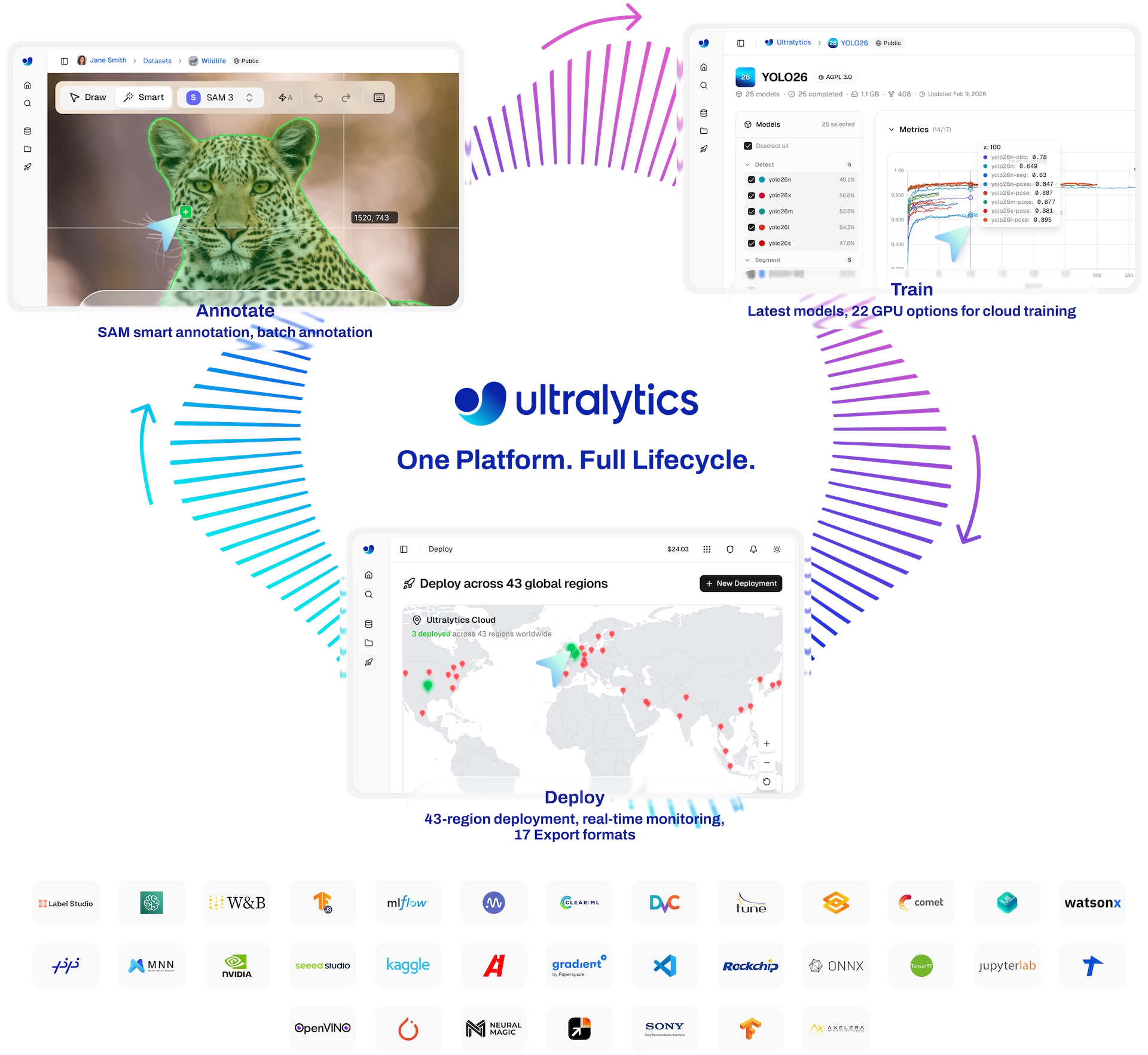
- Build with Ultralytics Platform: run the same lifecycle (annotation, curation, cloud training, deployment, monitoring) in one place, starting with Curate, Dedup, and Split.
- Ultralytics YOLO in Production: export, serve, and watch the model for drift once it ships.
- The fine-tuning guide: layer freezing, two-stage training, and optimizer choice once defaults aren't enough.
Show solution
A completed kickoff for the warehouse project from lesson 1:
Project: dock-safety-v1   Owner: site operations lead   Date: 2026-05-02

1. Goal: cut dock-door near misses 30% in six months.  Task: [x] detect
   Classes: forklift (excludes hand pallet jacks), person (excludes reflections),
            pallet (excludes crates without a pallet base)
2. [x] Edge device   Latency: <= 100 ms   Cameras: 4 x 1080p, 12 fps
3. Day and night shifts; rain at bays B-C; sites: dock A only for v1
4. People behind stacked pallets; forklifts half out of frame at bay edges
5. [ ] No: collect 150 empty-dock frames (owner: shift lead, by 2026-05-16)
6. [ ] Guide written  [ ] Agreement measured  -> owner: annotation lead, by 2026-05-23
7. Split unit: [x] camera + day
8. [x] Locked: cam-4, 2026-06-01 to 2026-06-07, never used for tuning
9. Recall(person) >= 0.95 at precision >= 0.85 on the locked cam-4 week
Volume: [ ] exception: pallet target 2,000 instances for v1; expect lower
        pallet recall in crowded bays

Ready to fine-tune YOLO26?  [ ] No, fix items 5 and 6 first
Two "don't know" answers became dated actions, the edge target set the latency bound, and the locked test week makes the acceptance test concrete.