Start With the Business Objective
Turn a business goal into a vision task, defined classes, and an acceptance test you can run as code, before a single image is collected.
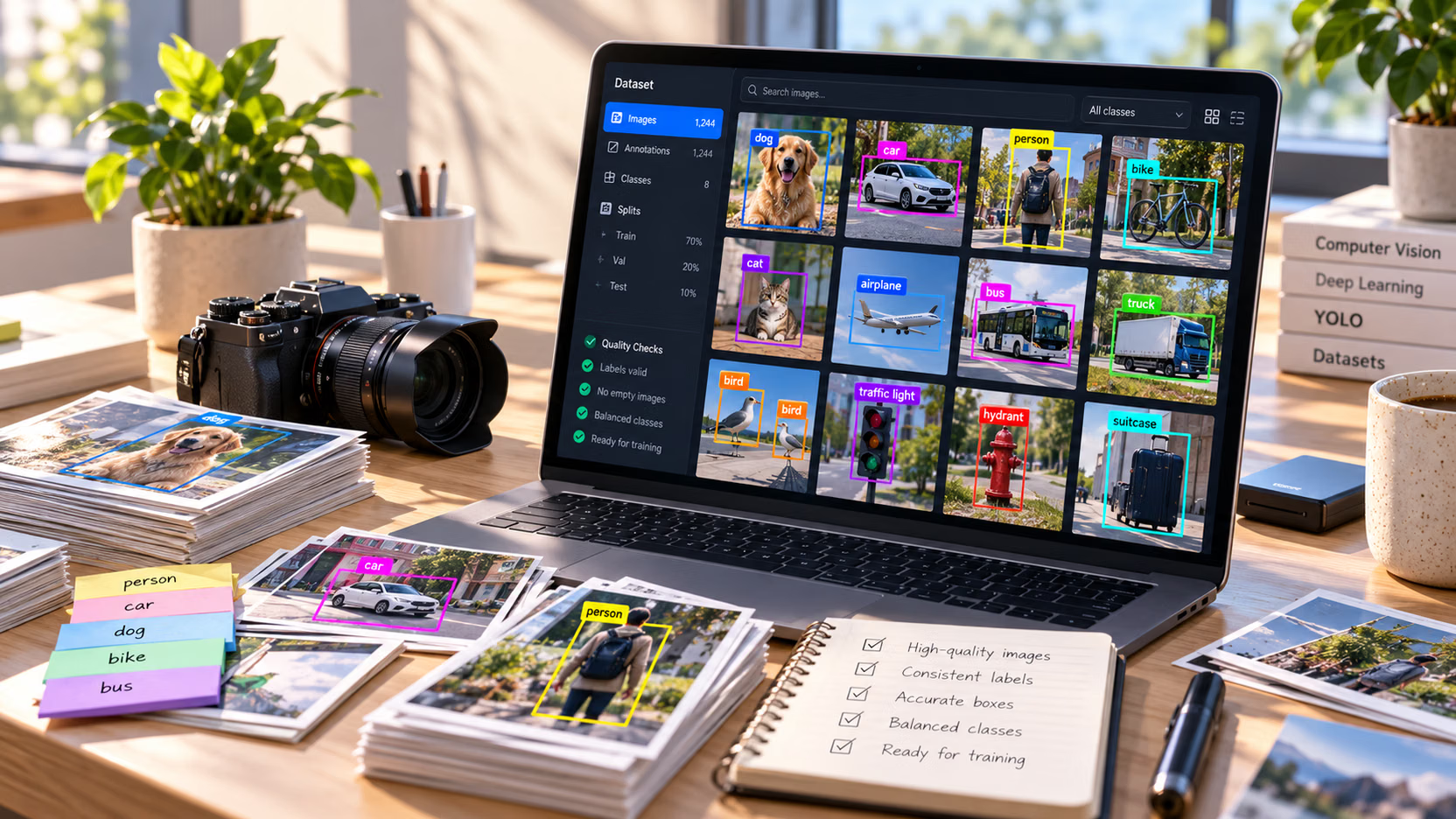
A warehouse team photographs everything for a month, then learns the safety lead only cares about people near moving forklifts, and half the labels must be redone. A one-page objective, agreed before the first photo, prevents that. It takes an afternoon and decides every later choice in this course: what to collect, what to label, and when the model is good enough to ship.
Hands-on
The one-page objective#
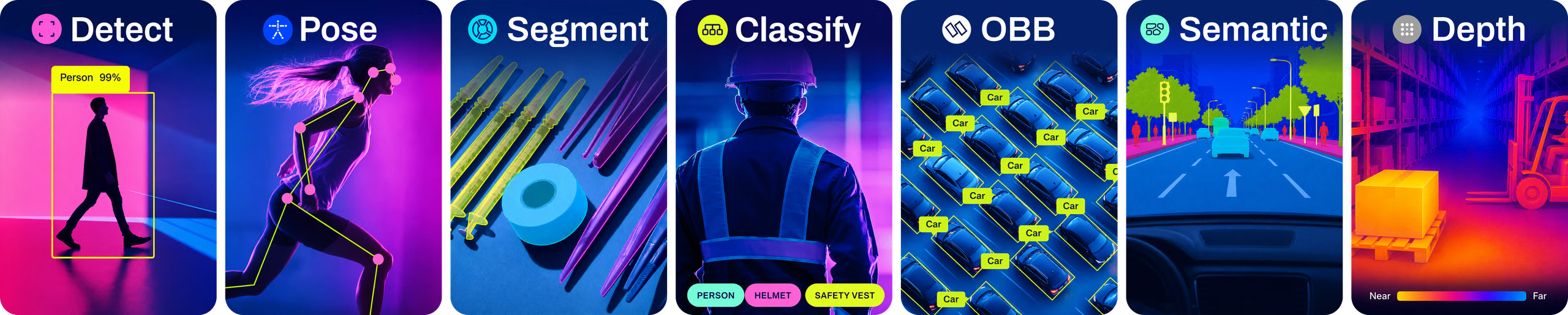
Five rows answer the questions every later step depends on. The defining project goals guide covers the same ground in more depth. Here is a filled-in warehouse example, which this course builds on:
| Row | Question it answers | Warehouse example |
|---|---|---|
| Business goal | What changes for the business, and by when? | Cut dock-door near-miss incidents by 30% within six months. |
| Vision task | What does the model output? | Object detection: boxes around forklifts and people. |
| Classes | What exactly gets a label? | forklift, person, pallet; everything else is background. |
| Acceptance test | What number means "ship it"? | Recall on person ≥ 0.95 at precision ≥ 0.85 on 500 frames from cameras not used in training. |
| Out of scope | What will v1 not promise? | Pitch-dark docks, people fully hidden behind racks, hand pallet jacks. |
Pin the page where the whole team can see it. If a stakeholder disputes a row later, change the page first and the dataset second.
Pick the simplest task that answers the question#
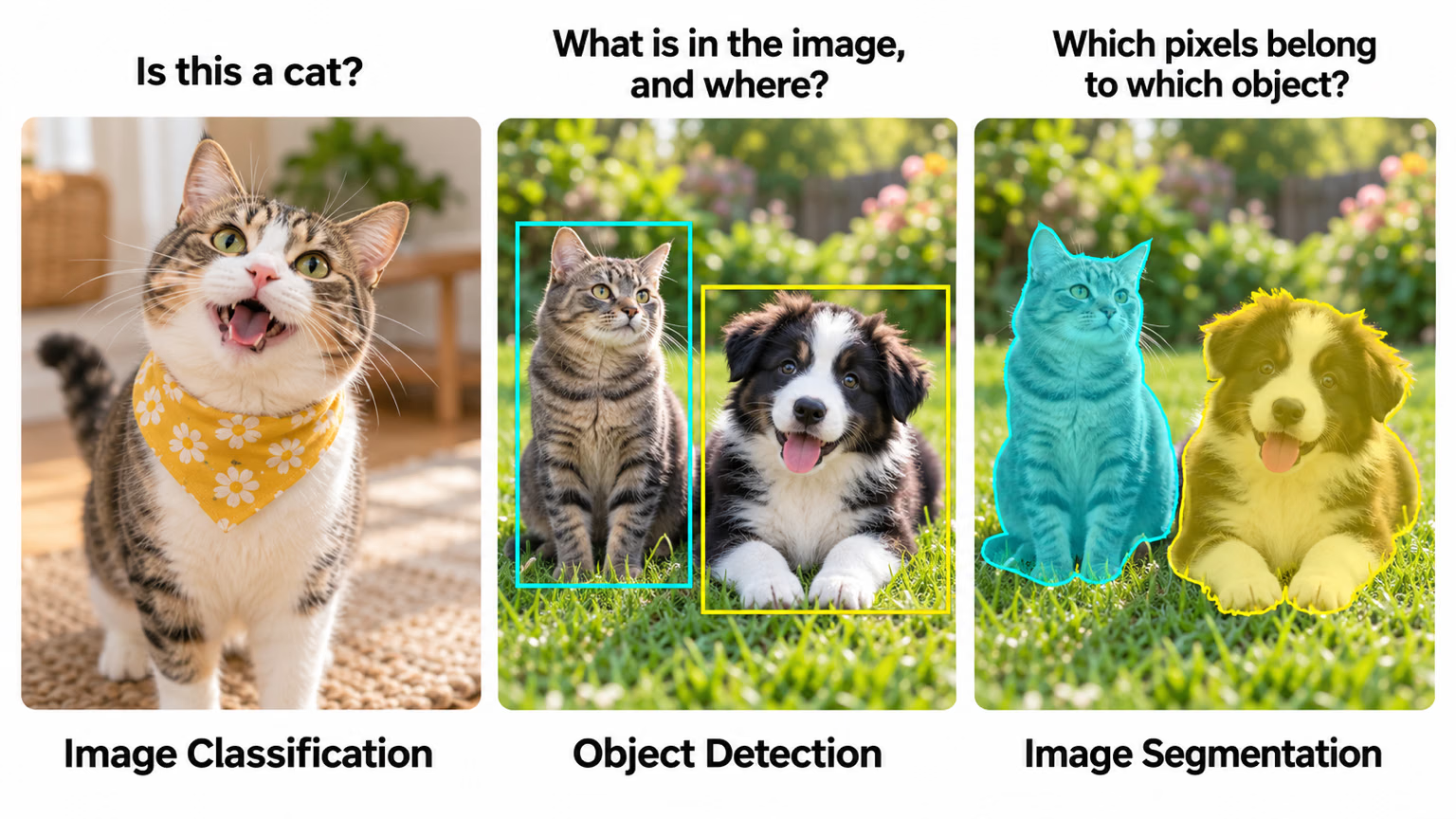
The task decides what annotators draw, and that decides most of the labeling budget. Work down this decision tree and stop at the first task that answers the business question:
Ultralytics YOLO supports seven tasks. For dataset planning, what matters is what each one costs to label; Computer Vision Foundations compares them in depth in its vision tasks lesson.
| Task | What annotators produce | Labeling effort | Choose it when |
|---|---|---|---|
| Classification | One label per image | Lowest | One answer per image is enough |
| Detection | Class + axis-aligned box per object | Low | You need to count or locate objects |
| OBB | Class + rotated box per object | Medium | Objects are long, thin, or seen from above |
| Pose | Class + named keypoints per object | High | Joint or part positions matter |
| Instance segmentation | Class + polygon per object | High | The outline of each object matters |
| Semantic segmentation | A class for every pixel | Highest | You need regions, not countable objects |
| Depth estimation | Nothing drawn: a depth map per image, usually from a depth sensor | Depends on capture hardware | You need distance at every pixel |
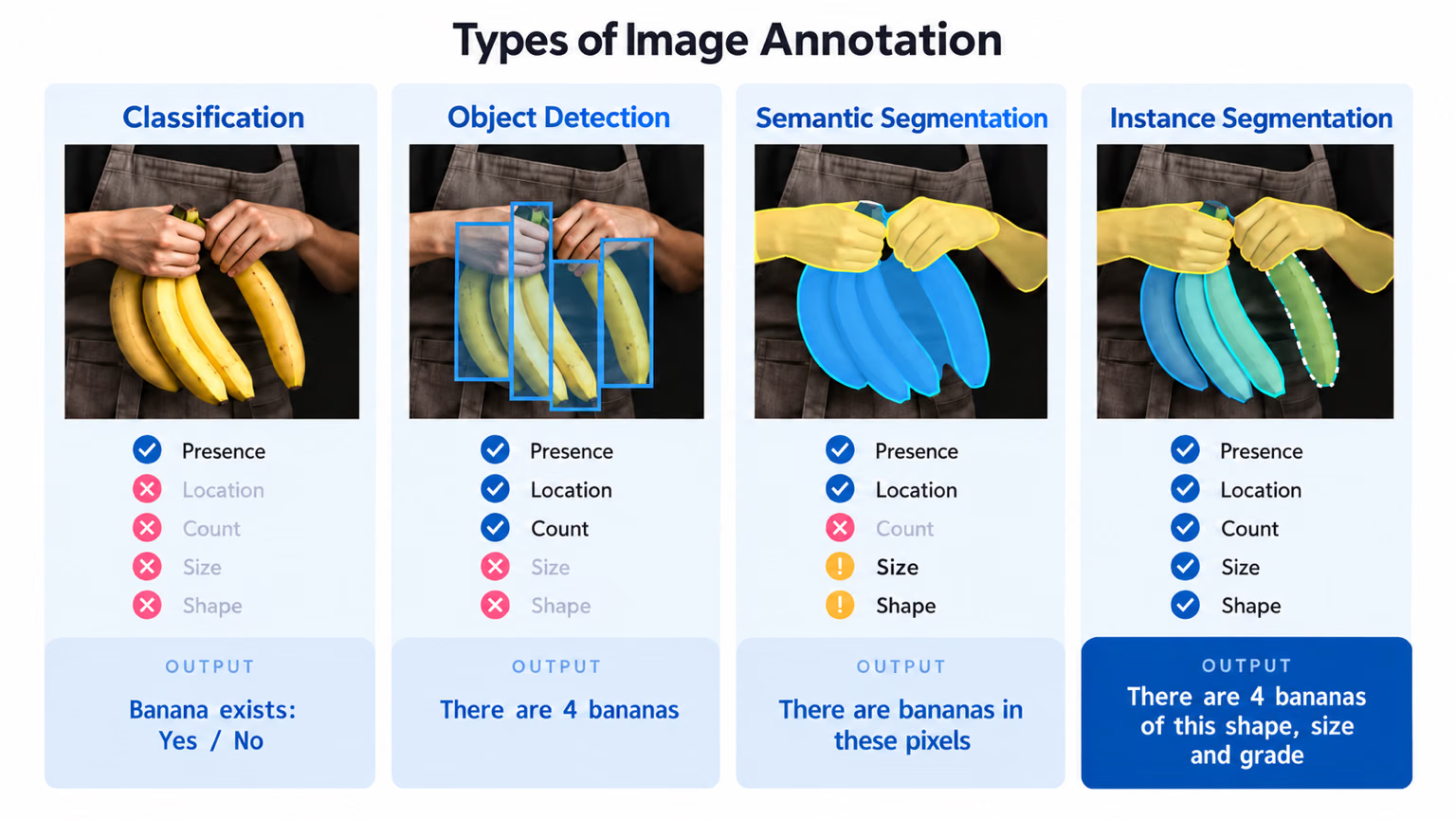
Read the banana panel as a price list: detection already answers presence, location, and count, and only the two segmentation panels add size and shape, at a much higher labeling cost. If the business only needs "how many bananas", detection is the answer, and polygons are wasted budget.
Teams often reach for segmentation because it looks more precise, then run out of labeling budget before the dataset covers night shifts, rain, or the second site. Polygons cost several times more per object than boxes. Choose segmentation only when a row of the objective needs the outline itself, such as measuring area or cutting a mask.
Write classes an annotator can apply#
A class is only useful if two annotators label the same object the same way. Write each one as a one-sentence definition that names a look-alike it excludes:
forklift: a powered lift truck, including its forks and mast. Excludes hand pallet jacks.person: any human, including partly visible, seated, or inside a vehicle cab. Excludes reflections and posters.pallet: a wooden or plastic shipping pallet, loaded or empty. Excludes stacked crates without a pallet base.
Then choose the granularity deliberately. Coarse classes ("vehicle") are cheaper and converge faster; fine classes ("sedan", "pickup") are more useful downstream but harder to keep consistent. Start with what the business needs. Fine labels can be merged into coarse ones later with one line of code, but coarse labels can never be split without relabeling.
"Anything that looks dangerous" or "stuff blocking the aisle" is not a class. It asks each annotator for a judgment call, and a model trained on inconsistent judgments learns the inconsistency. Rewrite a vague class until a new annotator could apply it from the definition alone, or turn it into a rule applied after detection (for example, "any pallet inside the aisle polygon").
Turn the metric into an acceptance test you can run#
Pick the metric that matches the cost of a mistake:
- A miss is expensive (safety, defects): gate on recall for that class.
- A false alarm is expensive (auto-rejecting parts, alerting staff): gate on precision.
- Every class matters equally (counting, inventory): gate on per-class AP, so no class hides behind the average.
The YOLO performance metrics guide explains each one. Then write the test as code, so "is it good enough?" stops being a debate. This script runs today with a pretrained model on the COCO8 demo set, and later with your own checkpoint and holdout:
from ultralytics import YOLO

model = YOLO("yolo26n.pt")  # later: your fine-tuned runs/detect/train/weights/best.pt
metrics = model.val(data="coco8.yaml", classes=[0], verbose=False)  # 0 = person; later: your holdout YAML

precision, recall = metrics.box.mp, metrics.box.mr
print(f"person: precision={precision:.2f} recall={recall:.2f}")
print("PASS" if recall >= 0.95 and precision >= 0.85 else "FAIL: below the acceptance test")
all 4 10 0.939 0.8 0.848 0.387
person: precision=0.94 recall=0.80
FAIL: below the acceptance testWhat each line tells you:
classes=[0]scores onlyperson, so other classes cannot pad the result. Use your own safety class ID.- The validator row shows 4 images with 10 labeled people.
mpandmrare precision and recall at the confidence threshold that balances them best (maximum F1). - A pretrained COCO model finds 8 of the 10 people, so recall is 0.80: precise, but not safe enough. That FAIL is the test doing its job. In this course, a FAIL leads back to the data, not to hyperparameters.
A test drawn from the same cameras and days as training measures memory, not readiness. Name the holdout in the objective ("cameras not used in training", "the last two weeks of footage"), and build it with Split the Dataset Correctly.
Write down what v1 won't do#
No model is perfect, so name the acceptable misses up front: conditions you won't promise (heavy fog, total darkness), look-alikes you'll tolerate confusing, and long-tail classes deferred to v2. This row keeps a model that meets its target from being judged against an unwritten 100% bar, and it tells the collection team where not to spend effort yet.
Show solution
A worked objective for a different project, a grocery chain detecting empty shelf slots:
| Row | Answer |
|---|---|
| Business goal | Cut out-of-stock minutes on the top 200 products by 25% within one quarter. |
| Vision task | Detection. The store needs the location of each gap, not its outline, so boxes beat polygons. |
| Classes | gap: an empty shelf slot at least one product wide; excludes slots hidden by a shopper or cart. price_tag: a shelf-edge label; excludes promotional stickers. |
| Acceptance test | Recall on gap ≥ 0.90 at precision ≥ 0.80 on 400 images from 5 stores not used in training. |
| Out of scope | Freezer doors with glare, end-cap displays, the produce section. |
Recall comes first because a missed gap costs a sale, while a false alarm costs a staff member a short walk. acceptance_test.py changes in only three places: data="holdout_stores.yaml" (the five unseen stores), classes=[0] (0 is now gap), and the thresholds recall >= 0.90 and precision >= 0.80.